
Verified in public version 1.3
Video Editor Without a Forced Watermark
No forced FreeCut stamp. Use the documented export scopes to choose what the saved file contains.
A clean export lets a creator, school or client decide which branding belongs in the frame. The claim here is deliberately narrow: FreeCut does not add its own forced mark.
No forced app logo
The public App Store description states that FreeCut does not impose a watermark on exports.
User-selected export scope
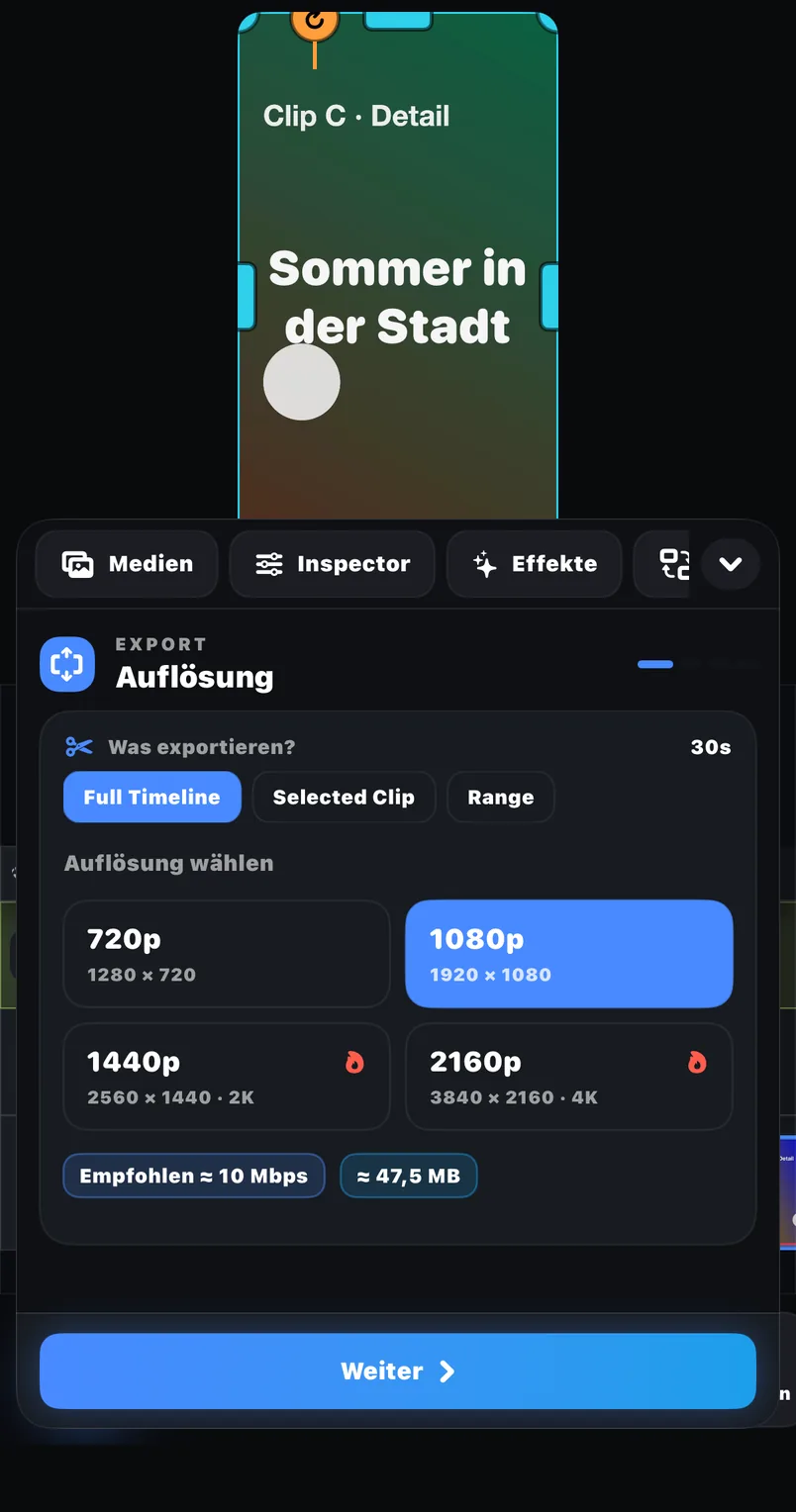
Choose the full timeline, a selected clip or a range, then inspect the saved ending yourself.
Three export scopes
Render the full timeline, a selected clip or a chosen range, then save to Photos or Files.
Examples
Where this feature pays off
Client hand-off
Deliver a cut without an editor logo competing with the client identity.
Class or portfolio work
Submit the finished story rather than an advertisement for the editing app.
Cross-platform publishing
Use the same clean master as the starting point for each destination.
In FreeCut 1.3
How to use it
Finish the intended timeline
Review text, linked audio and the final frame before opening export.
Choose the exact scope
Select full timeline, selected clip or range and review FPS, bitrate and codec.
Inspect the saved result
Open the file in Photos or Files and scrub its corners plus the last frames.
Creator tips
Check every corner
A quick full-screen review catches an accidental logo layer that belongs to the project itself.
Inspect the tail
Confirm the export ends on your planned last frame and contains no unused black segment.
Common mistakes
- Confusing a logo already baked into imported footage with an editor-added watermark.
- Sending the clean file through another app that adds its own mark.
- Leaving a test title or overlay enabled on the timeline.
What the promise does and does not mean
The promise concerns branding added by FreeCut. It cannot remove a watermark that is already part of an imported video, and it does not remove a logo layer a user deliberately added to the project.
Evidence and review date
This page reflects the public App Store listing for FreeCut 1.3 and was reviewed on 20 July 2026. Future capabilities are not treated as shipped until the public listing confirms them.
Reviewed on 2026-07-20 · FreeCut 1.3 · Review method · Source 1
Related
FAQ
FAQ
Does the free version add a FreeCut watermark?+
The public FreeCut 1.3 listing says there is no forced watermark. Verify your own export after installation because store builds can change.
Can FreeCut remove a watermark already inside a source clip?+
No claim is made here about watermark removal. This page only covers marks added by the editor itself.
Video Editor Without a Forced Watermark — in FreeCut 1.3.
Publicly documented in the App Store for the current version.