
Verified in public version 1.3
Import From Photos, Files, Camera and Audio
Choose the source that matches the job, keep original files organised and confirm each clip before building the timeline.
A reliable project begins with knowing which file is original, which one is approved and where the finished export will be saved.
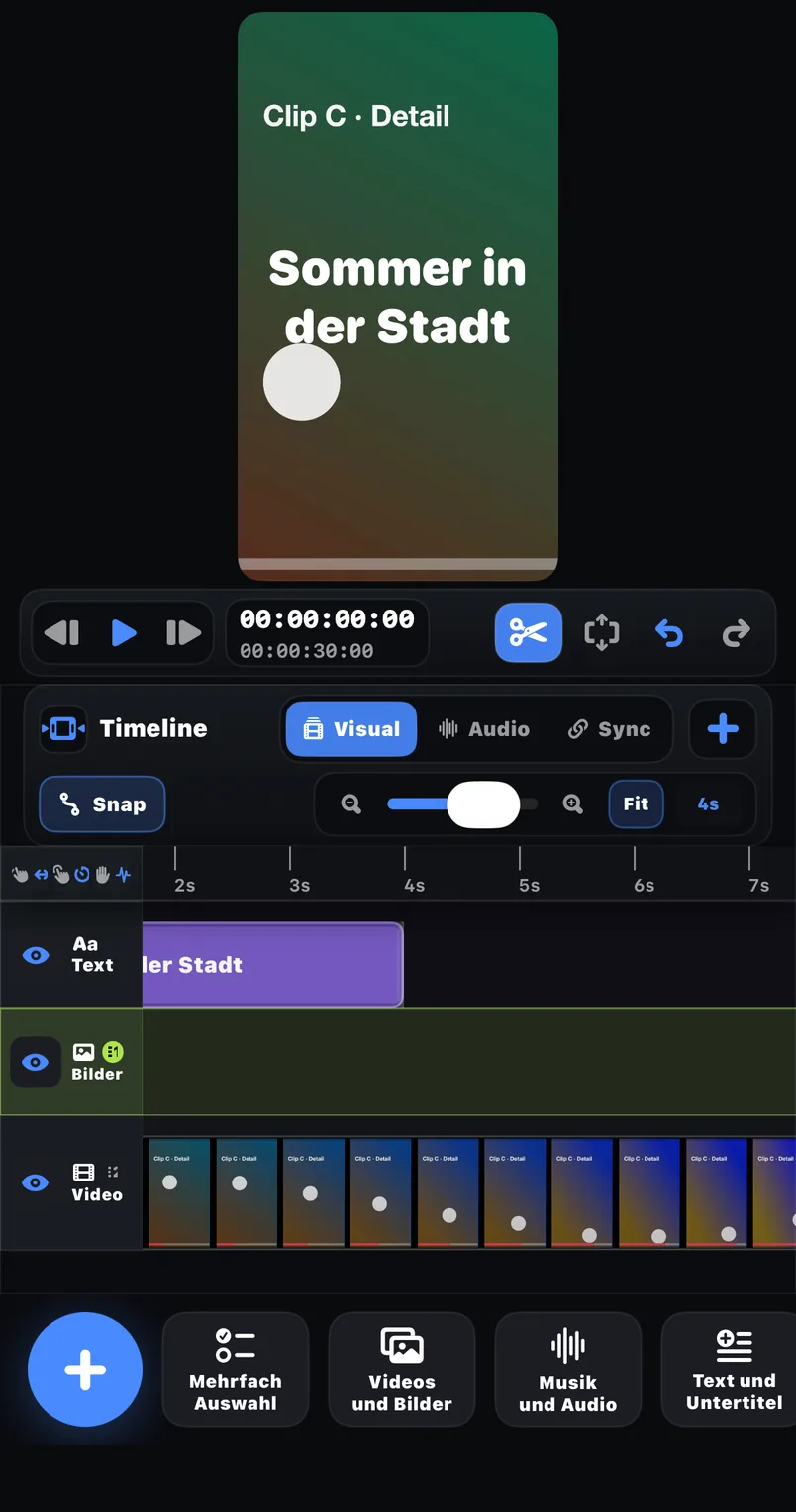
Photos
Select recorded video or images already stored in the system photo library.
Files
Bring in media from the Files workflow when projects and client assets are organised in folders.
Camera and Audio
Capture or add material through the input categories named by the public product listing.
Examples
Where this feature pays off
Phone-shot project
Select the approved takes from Photos and keep rejected versions outside the timeline.
Client asset folder
Import a named video, logo or audio source from Files without relying on camera-roll order.
Voice-led edit
Add the narration source first, then arrange visual clips around the spoken structure.
In FreeCut 1.3
How to use it
Name the source files
Use clear filenames or albums before importing a large group of similar takes.
Choose the correct source
Open Photos, Files, Camera or Audio according to where the media lives.
Confirm each item
Check orientation, beginning, ending and sound before arranging the timeline.
Plan the export destination
Decide whether the final file belongs in Photos or Files before rendering.
Creator tips
Keep originals untouched
Retain the source media until the project and at least one verified export are complete.
Use a simple naming rule
Scene, take and date are more useful than a folder of nearly identical default filenames.
Common mistakes
- Importing every take and deciding later, which makes the timeline harder to audit.
- Deleting the original after seeing only an editor preview.
- Mixing approved and draft client assets without clear names.
What is verified
The public version 1.3 description explicitly lists Photos, Files, Camera and Audio as media sources. It also describes local media handling during the editing workflow.
A small intake checklist
Confirm permission to use the media, inspect the selected take, preserve the original and record where the finished export should be delivered.
Reviewed on 2026-07-20 · FreeCut 1.3 · Review method · Source 1
Related
FAQ
FAQ
Which import sources are publicly documented?+
Photos, Files, Camera and Audio are named for FreeCut 1.3.
Does importing prove every format is supported?+
No. Container and codec compatibility should be tested with the actual source file before committing to a project.
Import From Photos, Files, Camera and Audio — in FreeCut 1.3.
Publicly documented in the App Store for the current version.